Create Your Video with ThisVid
Describe a scene or upload an image to start. Choose the video settings that fit your idea.
Publicly accessible without signing in.
0 / 20000
Your AI Video Maker for Text and Images
Create AI videos with ThisVid from a prompt or a picture. Describe a new scene, animate a photo, and shape the movement you want to see.
What Is ThisVid?
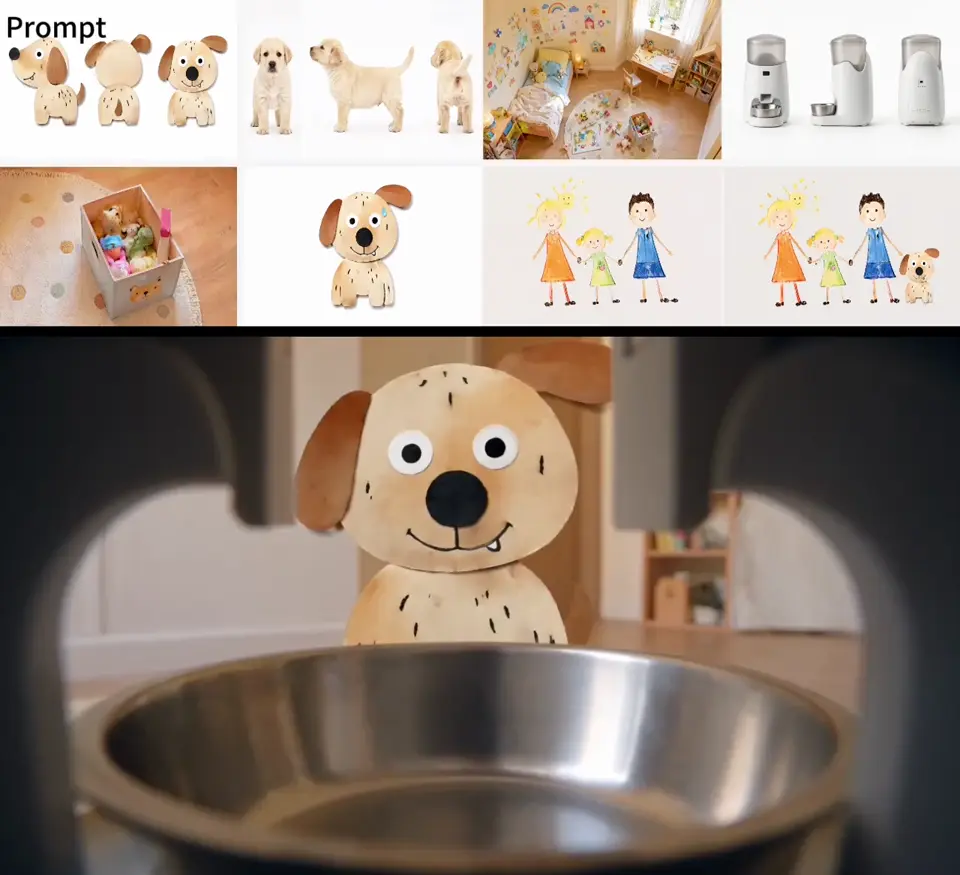
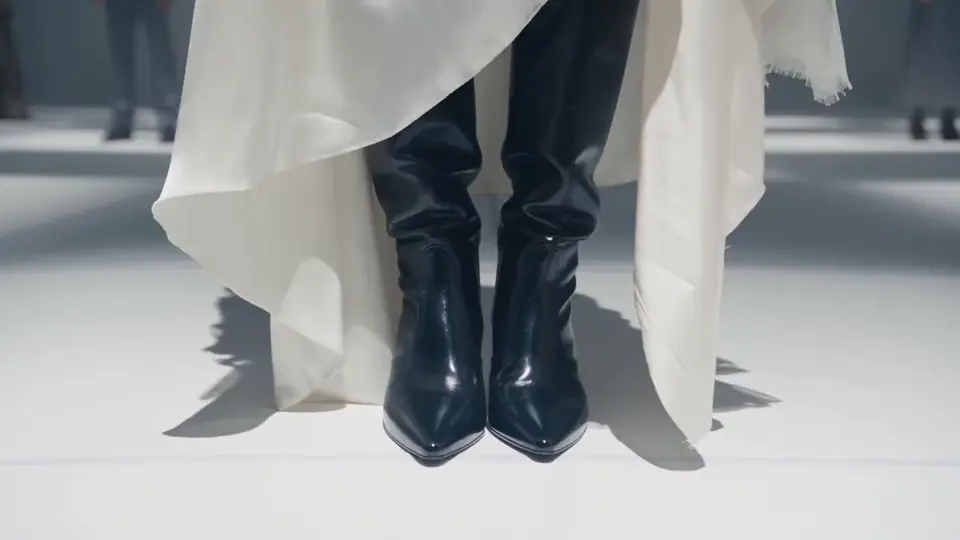
ThisVid is an online AI video generator with text to video and image to video tools. Create a scene from a written idea or animate an existing photo. You can also guide a character with a motion reference or turn a portrait into a talking avatar.
Use ThisVid to explore a character moment, a product presentation, or a short visual story. Preview the result, adjust the action or framing, and download the clip you want to share or use in a larger project.
Image generation and text to speech help you prepare the material for your video. Create a starting image, turn your script into speech, or bring files you already have. Audio can be used for a talking avatar, a standalone voiceover, or a video model that accepts audio input.
Create Videos and the Images Behind Them
Bring a scene to life, or develop its look before adding motion.
AI Video Generator
Generate video from text to explore a new scene, or animate a photo to build on an existing image. Describe the subject’s action and camera movement, then choose the available format and duration. Preview your result and refine the movement or composition before downloading.
Create VideoAI Image Generator
Create characters, product scenes, and backgrounds from text or reference images. Refine the appearance for a standalone image or use it as the starting point for your next video.
Create ImageChoose How Your Video Comes Together
Start with a scene, an image, a performance, or a script. Choose the tool that fits your material.
Start with an idea
Describe a scene to generate a video from text. Focus on one clear action and the setting around it, then refine the result you want to keep.
Set the look with an image
Use a photo, illustration, or generated image to guide your video. If you need a starting image, create one first and refine its appearance before animating it.
AI Motion Control
Pair a character image with a reference video when a specific gesture or performance is easier to show than describe.
AI Talking Avatar
Give a portrait a spoken message. Enter a script and choose a voice, or upload a recording to create a talking-avatar video.
Text to Speech for Videos
Generate speech for narration, talking avatars, or video models that accept audio input. Listen and refine the delivery before using the recording in your next step.
How to Create a Video with ThisVid
From your starting material to a clip you can preview and download.
Choose your starting point
Enter a text prompt or upload an image in the generator above. For a talking portrait or a performance guided by a reference clip, open the matching tool.
Describe what should happen
Focus on the action and camera movement. Choose the available format and duration for your clip. To use an audio reference, select a model and mode with audio input.
Preview, refine, and download
Watch the result for motion, framing, and any generated speech. Adjust the detail that needs attention, generate another version if needed, and download the clip you want to use.
ThisVid FAQ
Questions About Creating with ThisVid
ThisVid creates AI video clips from text and images, character animations from motion references, and talking-avatar videos. You can also generate images and speech separately when you need visual material or a voiceover for your project.
Yes. Use ThisVid’s free AI video generator to bring a written scene or a still image to life. Describe a character moment, a product reveal, or a camera move, then create a clip for your next project.
Use text to video when you want to create a scene from a written description. Choose image to video when you already have a photo, illustration, or generated image to guide its appearance. With an image in place, focus your prompt on the action and camera movement you want to add.
Yes. The AI avatar tool combines a portrait with text or uploaded audio to create a talking video. You can enter a script directly; creating a separate voiceover first is optional.
Describe the action in a video prompt, or pair a character image with a reference video in motion control. Use a reference when you want to follow the timing and gestures of a dance, a wave, or another performance. Choose a clip that clearly shows the movement you want to bring to your character.
Yes. Use text to speech to prepare an audio file for a talking avatar or for a video model that accepts audio input. Audio support depends on the selected model and mode. You can also download the speech as a standalone voiceover to add when assembling your video.
Yes. When generation finishes, preview your video and download the clip you want to keep. You can share it or continue working with it in your own video software.
Make This Vid Your Own
Start with your idea, choose the motion, and create a video with ThisVid.